The Best Cloud Service Provider for Your Business
- 23 May, 2023


It might be difficult to build a website from scratch, but it doesn't have to be. Anyone can build an appealing website by taking the proper steps and benefiting from the great talent of web developers.
This manual is intended for new web designers who require help figuring out where to start when building their websites.
It will offer an overview of the key steps involved in developing a website from scratch, including picking the perfect domain name, deciding on the structure and layout of the material, choosing a hosting company, and coming up with a general design concept.
You may take the first steps towards becoming a self-employed web developer with confidence if you have this guide on how to build a website from scratch.
Content management systems (CMSs) and website builders are the two most often used platforms for creating websites. However, making the final decision is important since it will make the website construction process much more manageable if you choose the platform better suited to your demands.
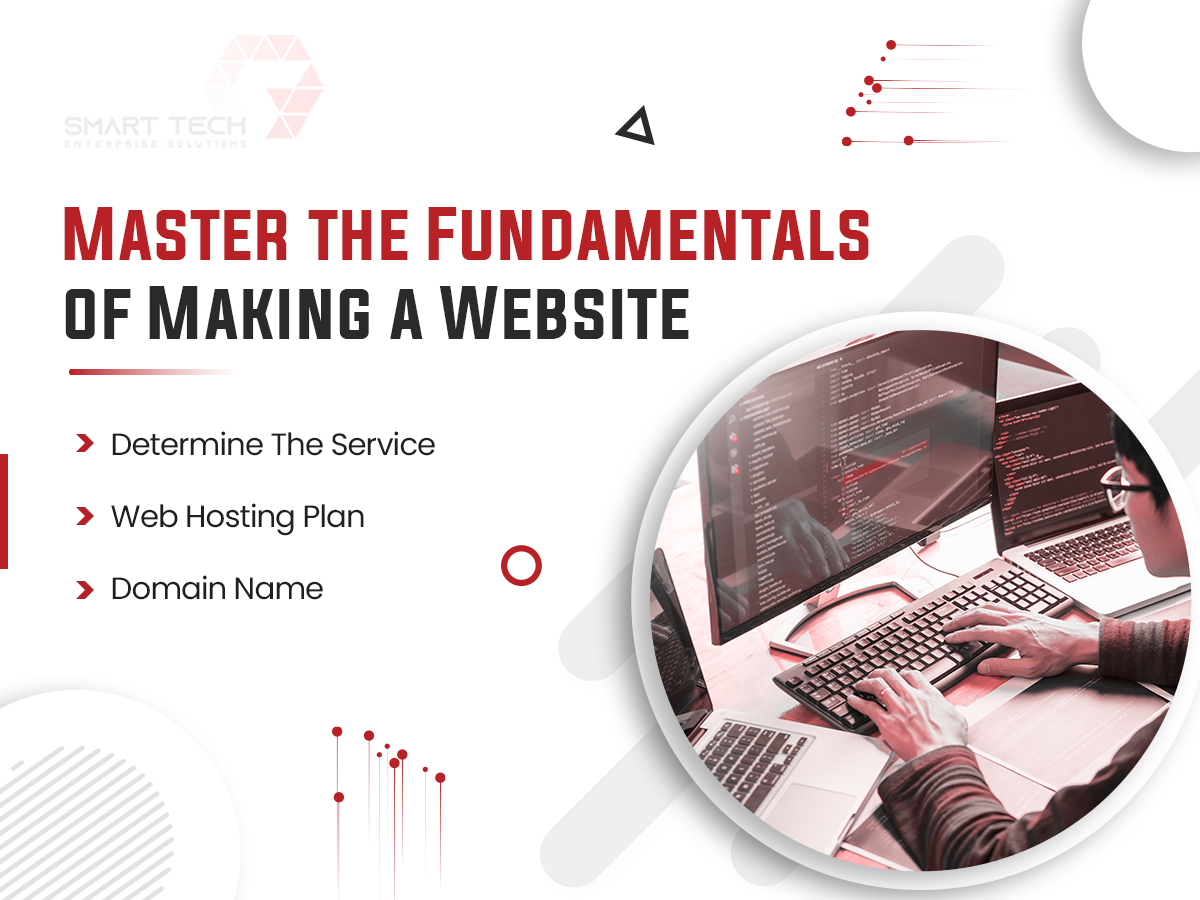
When picking a hosting plan to build a website, consider what web host best suits your requirements. Consider several CMS web hosting services when setting up a website if you use a platform like WordPress since they provide optimised solutions specially created for CMS sites.
When searching for how to build your website, firstly, select a name to use as the domain for your website start. Having a personalised domain name to assist visitors in locating a website is as vital as branding. A domain name that is easy to remember may also generate organic traffic via a free website builder and domain.

Before planning to build a website from scratch, you should have the necessary web-building and coding skills. Such skills can help you build a website on your own because they let you handle important technological steps, making the development process go more swiftly and giving you more creative control.
Helpful website development requirements may include coding in languages like JavaScript and HTML/CSS (for different design and usability factors), troubleshooting and debugging (to make sure your site is always working, up-to-date, and free of critical security flaws), and search engine optimisation (or SEO, to effectively optimise and market your site so it is found and competitive in Google's search algorithm).
Front-end and back-end web development skills are also very helpful because they let you understand and handle both the site's usefulness from the client's view and the site's design on a technical level. Check our stepwise guide on creating a website from scratch as a new web developer.
Once your primary abilities have been identified, the following step is to set a general aim for your new website. Consider this: What is the long-term goal of this site? Is it to sell goods? To convey and extend the identity of your brand? What kind of user experience do you require to offer? What user metrics will you measure on the site?
After you've answered all questions, you should have an easier time designing the site's layout, aesthetics, prospective pages, and other related things related to your objectives. For example, you want to utilise a scrach online site to raise brand recognition and ease digital transactions. In that case, you may design a home page that provides simple access to highlighted online items, business updates, and identity-based information (such as a detailed "About Us" section). Whatever your vision, make your objectives as specific and explicit as possible on how to make a website.
The visual layout of your website is its most crucial element. However, you should explore your options before settling on to visual imagery and design. Whether you are a creative professional on the lookout for portfolio templates or wish to make an online store, there are dozens of customisable options. From simple website templates to complex there are umpteen ones to draw inspiration from.
In a study, cell phones and tablets accounted for fifty per cent of internet usage. That is why Google made mobile-first indexing. It is a platform where the search engine chiefly determines the ranking depending on mobiles. So, investing in your mobile design and SEO and offering a seamless and intuitive UX for smaller screens is crucial. Moreover, you can improvise and impress with attractive mobile features such as animation.
Your website's layout should be carefully planned and researched to support your desired user experience in making a website. Start by selecting a website builder with many relevant site templates and narrowing your choices to those that match your vision. E-commerce, appointment scheduling, and other business-specific features may be considered. Use the theme as a shell for larger development concepts like individual plugins and widgets, colour palettes, page layout and hierarchy if it's changeable.
Most successful websites include a main page and multiple supporting pages that reflect various parts of the firm. These pages should follow your user experience and be accessible and simple to explore. Website builders allow you to create, delete, and customise pages within your theme when. Using this feature to create webpage creations that convey your site's message.
If your site offers online buying, design a storefront to showcase your items and services. Design your storefront for smooth digital transactions, which may make or destroy retail sites. Most successful internet stores accept credit and debit cards, Google Pay, and PayPal.
Your payment system should also enable fast, safe, and trust-building transactions. This capability may reduce the bounce rate and increase product and service consideration. Sticky header navigation lets visitors find and buy without scrolling. The best digital stores demonstrate how a good user experience can build consumer loyalty and confidence.
After completing your site's main components, test and refine it. Usability testing and technological audits may evaluate these components. To assess usability, watch people exploring your site and highlight communicated faults, confusion, and other issues. Ask comprehensive questions to gain thorough feedback for improved solutions and user experience. Technical auditing includes site performance measures like page speed and multimedia playback, SEO criteria including content optimisation, organic keywords and functioning backlinks, and code issues.
After your site launches, promote it. Fortunately, there are several successful digital website marketing methods. Social networking may boost site awareness when creating your website. These platforms let users directly connect site URLs, syndicate material, and seamlessly route followers to other site pages. Many site styles allow a direct social connection, which may boost SEO rankings for all connected organisations.

Advertising and business tools may assist site owners in advertising their sites with targeted ads and listing comparable brick-and-mortar locations on Google Maps with website connections. In addition, web admins may employ multimedia to reach new social markets. For example, site-based videos may be distributed to social media with links to the source material. Promote your website for additional details on rapid, cost-effective website marketing solutions on how to create a website.
Keep it current even after you've constructed your site and gained a following. As your site grows in popularity, viewers may get frustrated or bored with stale, outdated information and poorly maintained site usability concerns (broken links, faulty multimedia, and so on). Therefore, it is vital to keep your site current, and keeping your site current is critical, including more than just uploading and blogging.